
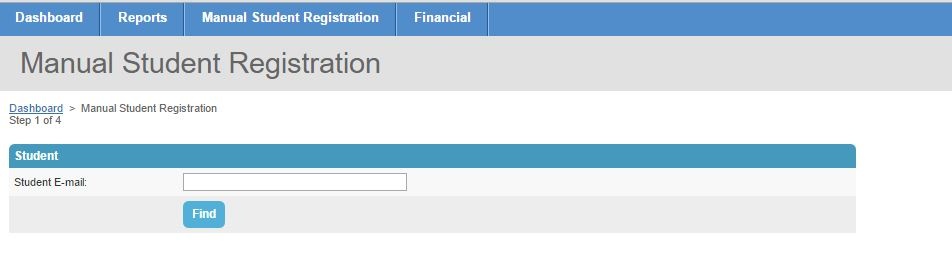
 Below are instructions for entering a registration into the UGotClass Administrative Site. You can also watch a video tutorial here.
- Log in to the UGotClass Administrative Site
- Select "Manual Student Registration" at the top of the screen
- Enter the students email address. Double check that there are no spaces before or after their email address.
- Enter the student's first and last name. You do not need to enter a mailing address at this time. If we need this information, you will be prompted to enter it later.
- Select the course or certificate that your student has selected. Please be sure that you are selecting the correct dates before clicking "Add Session" or "Add Certificate".
- Once all course dates have been selected, click the "Save and Continue" button.
- Review the courses and selected dates before clicking the "Complete Registration" button. If we need the student's mailing address, you will need to enter it before the registration will be entered.
That's all there is to it! Please let us know if you have any questions, we would be happy to help!
info@ugotclass.org